
Step 1 · 30 seconds
Install from the Microsoft Store
One click from the Store. Signed and verified by us. No installer wizards, no admin prompts, no third-party download mirrors to worry about.
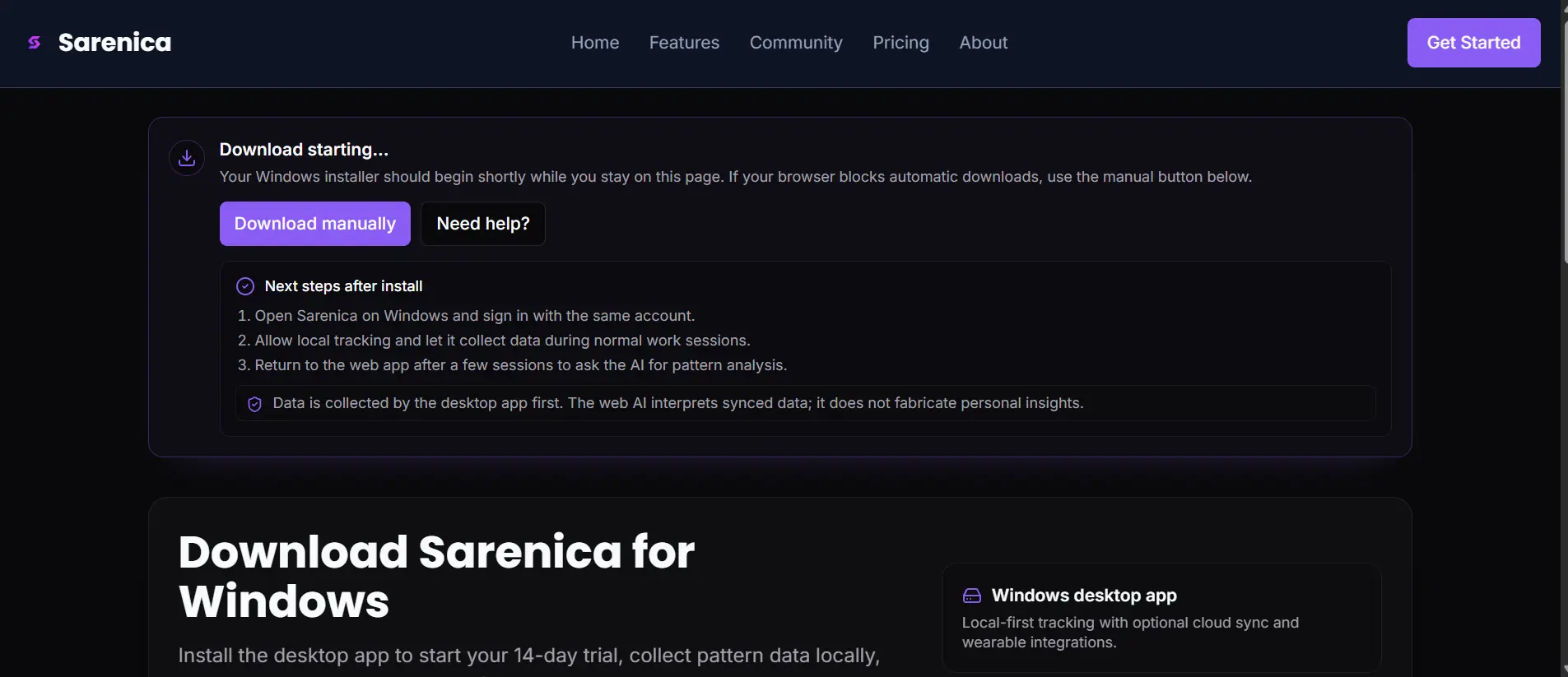
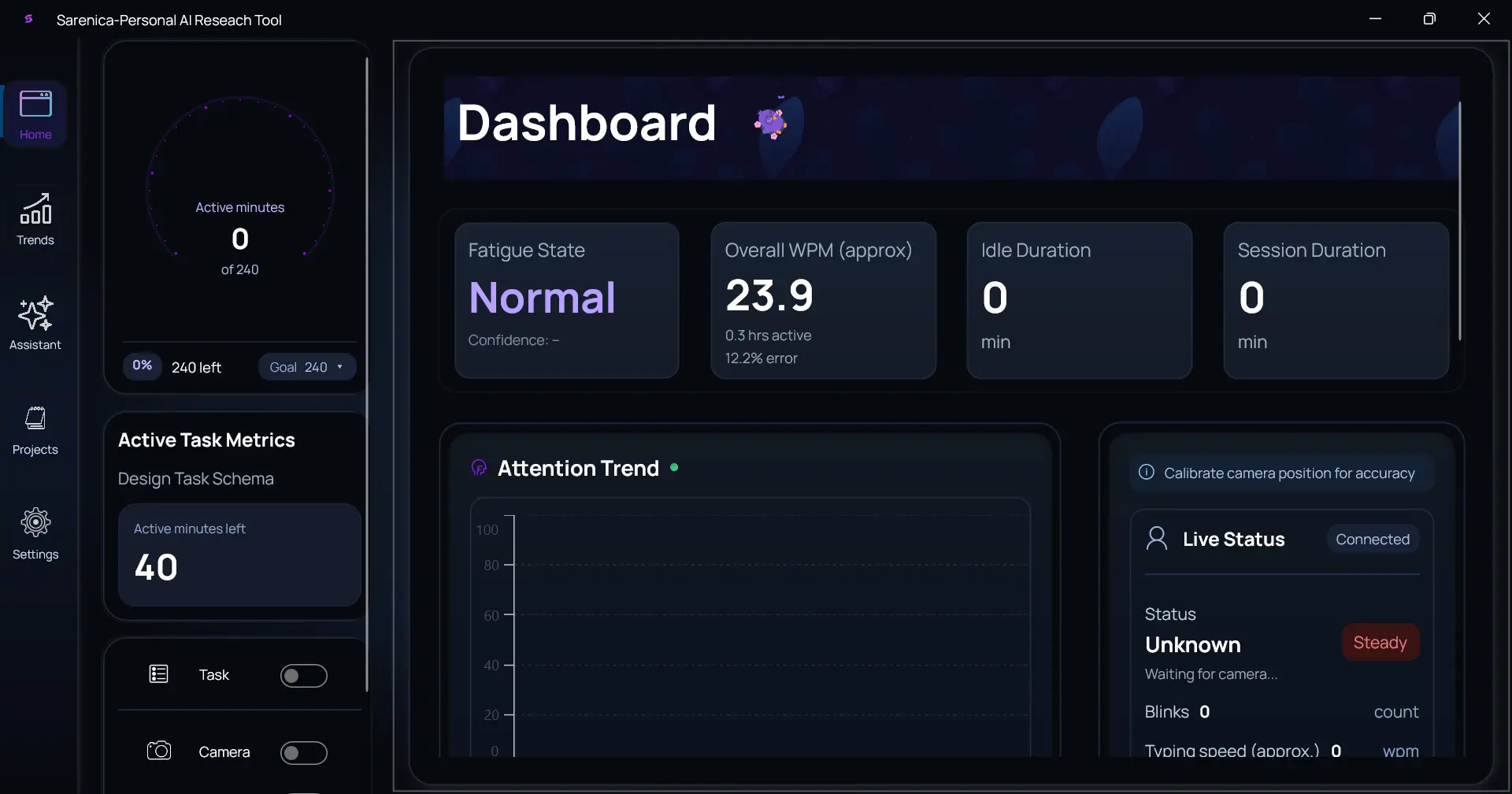
Sarenica tracks focus, fatigue, and posture locally on Windows. After 5 days of normal work, you get your first real Hydrogen report — your patterns, not a generic productivity score.
Track on your phone and see your honest self-insight. The Windows and Android apps share the same account.
No setup wizards, no daily check-ins, no manual logging. Sarenica works quietly while you do real work, then shows you what actually moves your focus.
One click from the Store. Signed and verified by us. No installer wizards, no admin prompts, no third-party download mirrors to worry about.
Sarenica runs quietly in the background while you do real work. It captures focus, fatigue, posture, and typing rhythm — never screen content, never keystrokes. Just work the way you always do.
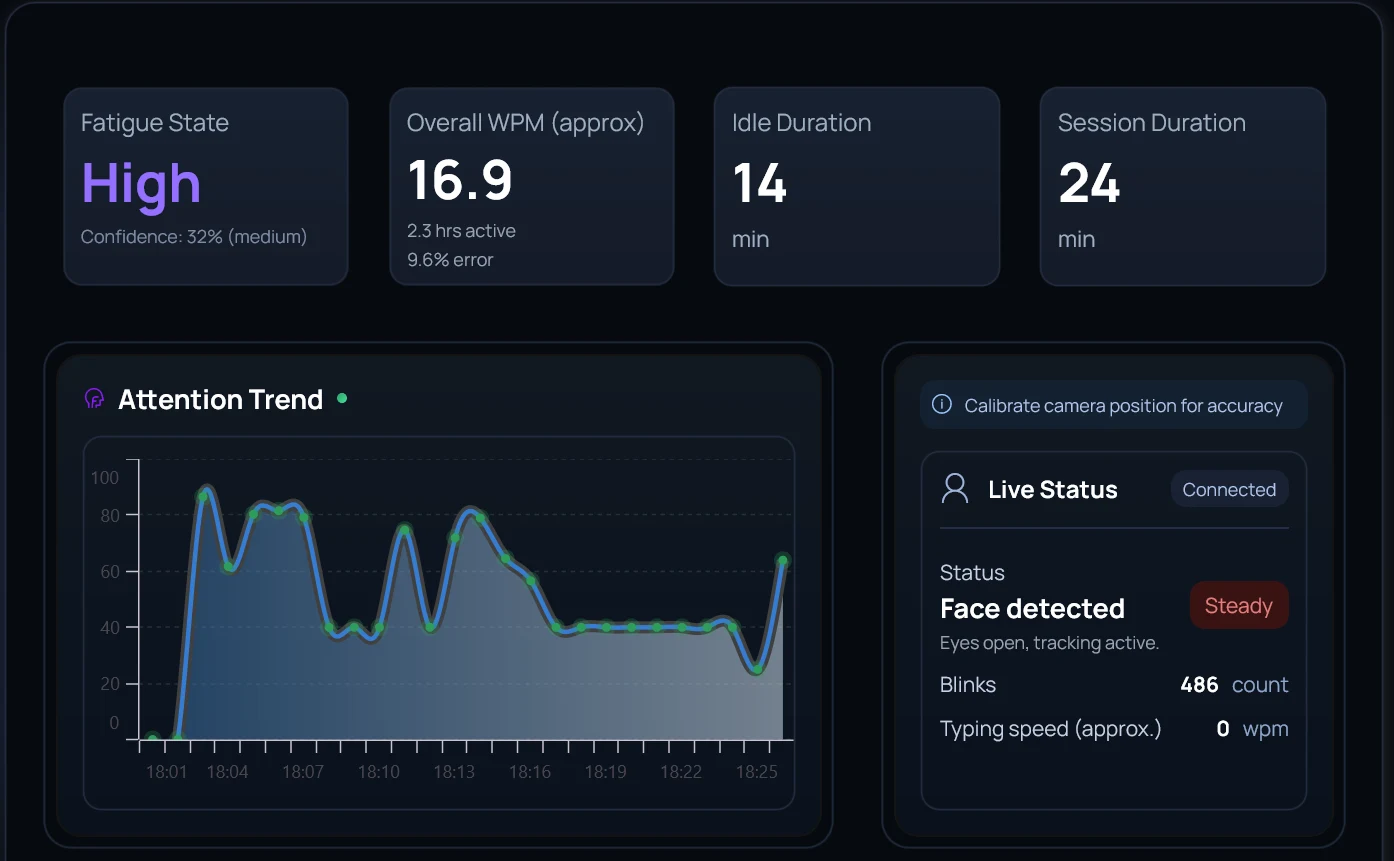
After a few real workdays, Hydrogen shows you what actually drains and restores your focus — your Hydrogen score, the times of day you hold up best, and the patterns worth changing.
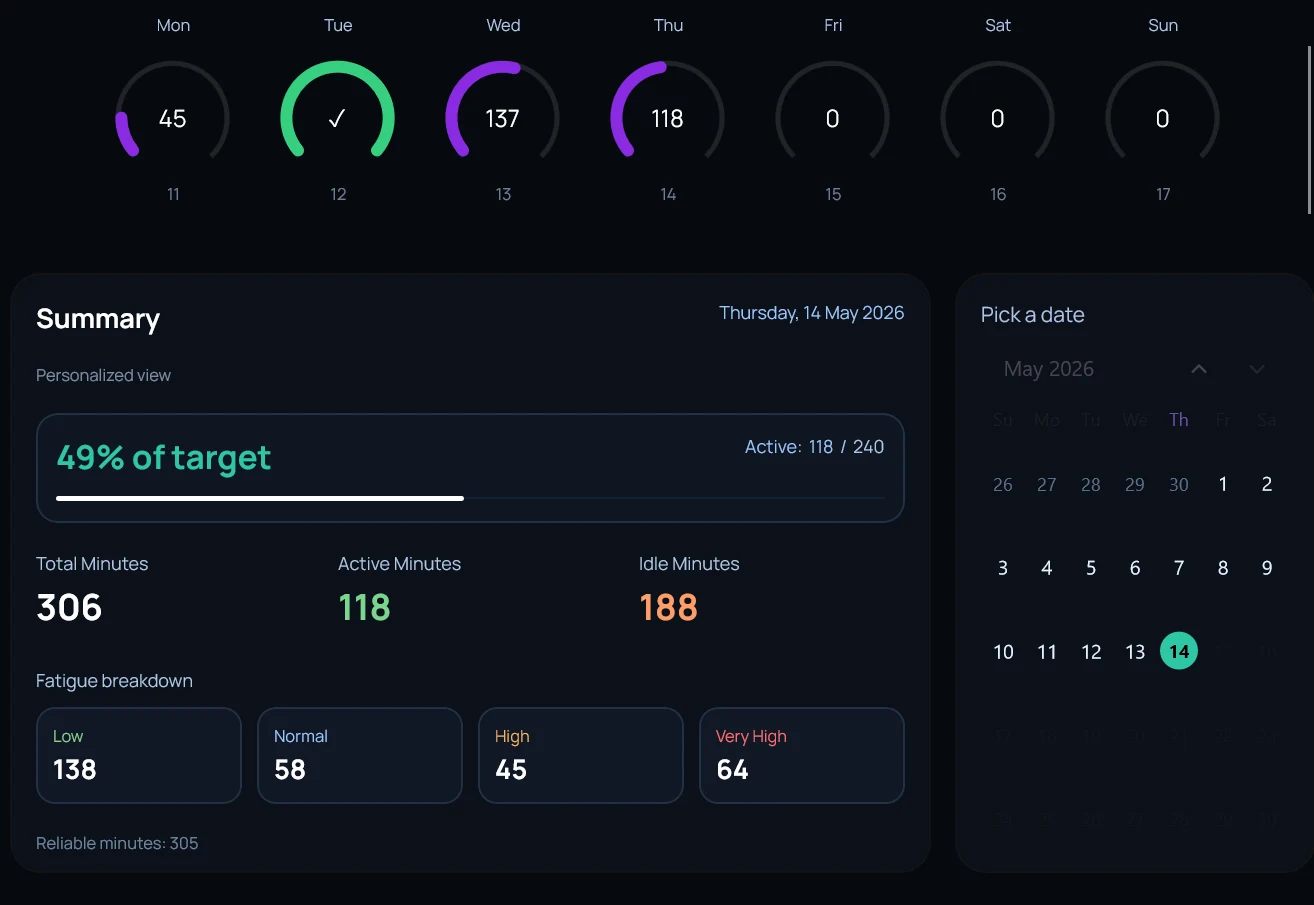
Updated daily from your real focus, fatigue, and recovery patterns — not a generic productivity rating.
Quiet nudges grounded in PERCLOS, blink rate, head pose, typing cadence — never screen content.
A real artifact you can read in 60 seconds. What changed, why it changed, and what to try next.
No subscription. No usage limits on the lifetime tier.
Work normally for a few days. Then ask Hydrogen what changed.
The three questions most people ask during install.
Yes. Sarenica is built for Windows 10 and Windows 11 desktop tracking.
Yes. Sarenica is distributed through Microsoft Store for a simpler Windows install and update flow.
Yes. The Windows app is free to install and includes a 14-day trial before any Plus Lifetime upgrade.
Install on Windows, work normally for a few days, then come back to Hydrogen.